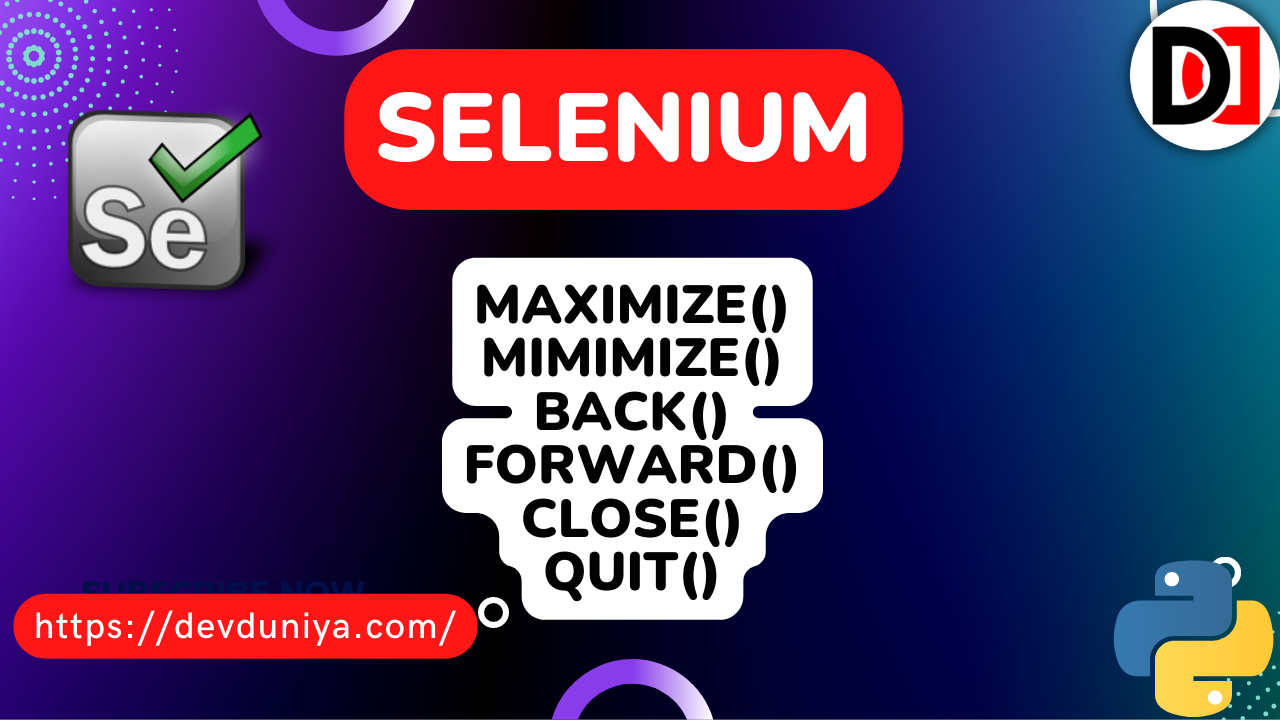
In this article, we are going to see the introduction to selenium web driver and the basic functions of selenium web driver. We have given a brief introduction to each and every function and written a basic code example so that you can understand it easily. Let's start the article: So before starting any selenium code you will have to import the given module. It will import all the selenium webdriver functions in your file to further use.
from selenium import webdriverAfter importing the web driver module you will have to tell the browser where is "chromedriver.exe" file is, so we will have to add PATH in our code. Just add your exe file:-
The path here is like this:
driver = web driver.Chrome(executable_path="")After setup the path of the chrome driver in the driver variable, we will use the driver variable as the main function of this program. Now it's time to fetch data from any website, so we will have to give the URL in the getting ("") function to start fetching data from there. As you can see, we have given our website URL:
driver.get("https://devduniya.com/")Now you can fetch data from there but in this blog, we are going to see only the main functions of the web driver. So After getting URL you can maximize your window with the help of a web driver, to do this you will have to do this:
driver.maximize_window()You can minimize your window with this code:
driver.mnimize_window()And with the help of webdriver, you can fetch the title of any website. It will give you a website title and you can use that further.
driver.titleNavigational Commands of Selenium Webdriver:
driver.back() is a navigational command of web driver, if you have gone on any website and clicked on the about us page and then you want to go back to the website with the help of web driver then you can use this command to go back. And if you want to go forward then you can simply use driver.forward() in selenium web driver.
driver.forward()
driver.back()
There are two commands to close and quit the window of the web driver:-
1. driver.close(): It will close the currently focused window, quitting the driver if the current window is the only open window. If no windows open, it will give an error.
2. driver.quit(): It will quit the driver, closing every associated window.
Example:
from selenium import webdriver

PATH="C://Users//ashis//OneDrive//Desktop//new_scrap//chromedriver.exe"
driver = webdriver.Chrome(executable_path=PATH)

driver.get('http://devduniya.com/')
print(driver.title)       # output == Dev Duniya - Web Tutorials for Free
driver.maximize_window()  #It will maximize the window
driver.minimize_window()  #It will minimize the window
driver.back()             #navigation command to go back
driver.forword()          #navigation command to go forward
driver.close()            #It will close the window
driver.quit()             #It will quit whole the window
Now in the next article, we will discuss Selenium Webdriver's interaction with the webpages.