Paying for Gigabit? This Hidden Router Setting is Throttling Your Wi-Fi Speed
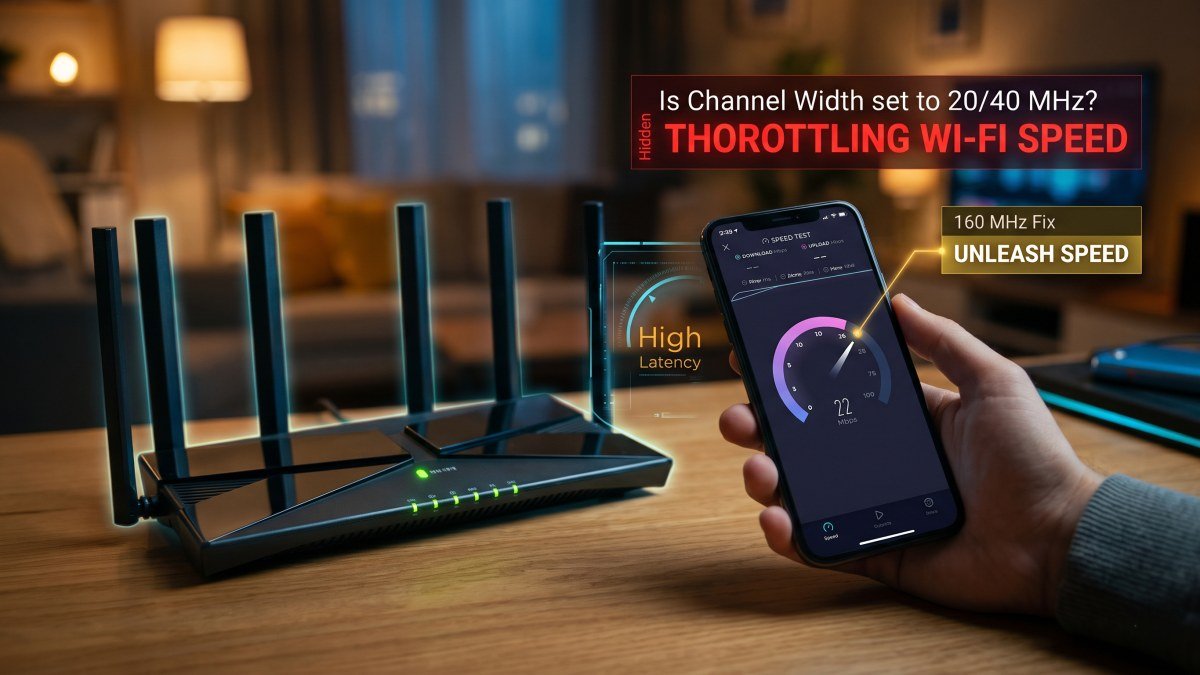
Every single month, millions of Americans pay a premium for high-tier home internet plans. You sign a contract for a 500Mbps or Gigabit (1,000Mbps) fibre connection, excitedly set up your home network, and connect your brand-new devices. Yet, when you sit down on the sofa to stream a 4K film or download a massive video game, the progress bar crawls. You run a speed test on your phone, and the result is a baffling 150Mbps.
Before you spend an hour on hold with your Internet Service Provider (ISP) demanding a refund, or rush out to buy a $400 mesh Wi-Fi system, you need to understand how wireless networks actually distribute data. In the vast majority of cases, your ISP is legitimately delivering Gigabit speeds to your modem. The bottleneck is actually a single, deeply buried toggle inside your Wi-Fi router's admin panel.
If you find yourself constantly asking, "why is my wifi slow despite paying for premium internet?", the culprit is almost certainly your router channel width settings. By default, most routers are actively throttling your bandwidth to prevent interference with your neighbours. Here is the definitive guide on how to speed up home wifi by unlocking your router's true maximum throughput.
The Data Highway: Understanding Channel Width
To understand why your router is artificially capping your speed, it helps to visualise wireless frequencies as a physical highway. Data travels from your router to your smartphone or laptop over radio waves, and these waves are divided into different "channels."
Channel width dictates exactly how many lanes that highway has. By default, out of the box, most consumer routers set their 5GHz band to a conservative channel width of 20MHz or 40MHz. A 20MHz channel is like a one-lane country road. A 40MHz channel is a two-lane dual carriageway. No matter how incredibly fast your internet connection is at the source, if you force all that data down a one-lane road, a traffic jam is mathematically inevitable.
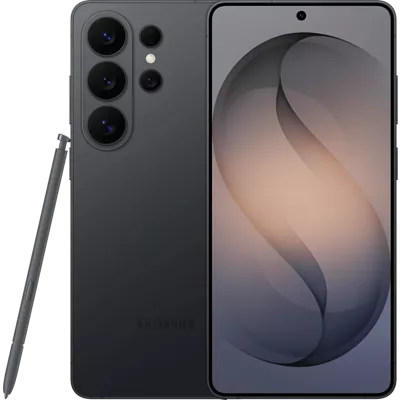
To actually experience Gigabit or near-Gigabit speeds over a wireless connection, you must widen the highway. Modern devices, such as the newly released Samsung Galaxy S26 Ultra or a modern MacBook Pro, are specifically engineered to handle 80MHz or even 160MHz channel widths. Expanding your router to 80MHz turns that country road into a massive, four-lane superhighway, instantly doubling or tripling your download speeds.
Why Do Router Manufacturers Throttle You By Default?
If 80MHz and 160MHz channels deliver astronomically faster speeds, why do companies like Netgear, TP-Link, and Asus ship their routers locked to 40MHz?
The answer is stability and liability. As you widen a Wi-Fi channel, you take up more of the available radio spectrum. If you live in a dense block of flats in New York or Chicago, the airwaves are already heavily congested with dozens of competing Wi-Fi networks. Wide channels are more susceptible to overlapping with a neighbour’s router, which can cause intermittent signal drops or packet loss.
Router manufacturers would rather you have a perfectly stable, slow connection (which prevents you from returning the router) than a blistering-fast connection that occasionally drops when a neighbour turns on an older microwave. However, if you live in a suburban house, or if your flat has thick walls, this default setting is robbing you of the speed you are actively paying your ISP for.
How to Change Your Router’s Channel Width
Unlocking your premium bandwidth only takes about five minutes. You do not need a degree in computer science to safely execute this change. Here is the universal step-by-step process:
- Find Your Router's IP Address: Look at the sticker on the back or bottom of your Wi-Fi router. You will usually see a "Gateway IP" or "Login URL" (often
192.168.1.1,10.0.0.1, or something likerouterlogin.net). - Log In to the Admin Panel: Open a web browser on a computer or tablet connected to your Wi-Fi. Type that IP address into the URL bar. Enter the admin username and password (also printed on the router sticker, unless you previously changed it).
- Navigate to Wireless Settings: Look for a tab labelled Wireless, WLAN, Radio Settings, or Advanced Wireless.
- Locate the 5GHz Band: Do not touch the 2.4GHz settings. Navigate to the 5GHz network settings.
- Change the Channel Width: Find the drop-down menu labelled Channel Width or Bandwidth. Change it from "20/40MHz" or "Auto" to a strict 80MHz. (If you have a very modern Wi-Fi 6 router and compatible devices, you can try 160MHz, but 80MHz is the most stable sweet spot for US homes).
- Save and Reboot: Click Apply or Save. Your router will likely reboot, temporarily dropping your Wi-Fi for about 60 seconds.
The 2.4GHz vs 5GHz Rule of Thumb
When you are digging around in your router’s settings, it is vital to apply the correct channel widths to the correct radio bands. Applying the wrong width to the wrong band will completely cripple your smart home devices.
| Wi-Fi Band | Ideal Channel Width | Primary Use Case | Interference Risk |
|---|---|---|---|
| 2.4GHz | Strictly 20MHz | Smart bulbs, security cameras, older printers. | Extreme. Never set this to 40MHz. |
| 5GHz | 80MHz (or 160MHz) | Smartphones, laptops, 4K Smart TVs, gaming consoles. | Moderate. Highly effective in most homes. |
| 6GHz (Wi-Fi 6E/7) | 160MHz or 320MHz | Next-generation VR headsets and ultra-premium 2026 flagships. | Very Low. A massive, clear spectrum. |
Swipe sideways to see all table columns →
- Ideal Channel Width
- Strictly 20MHz
- Primary Use Case
- Smart bulbs, security cameras, older printers.
- Interference Risk
- Extreme. Never set this to 40MHz.
- Ideal Channel Width
- 80MHz (or 160MHz)
- Primary Use Case
- Smartphones, laptops, 4K Smart TVs, gaming consoles.
- Interference Risk
- Moderate. Highly effective in most homes.
- Ideal Channel Width
- 160MHz or 320MHz
- Primary Use Case
- Next-generation VR headsets and ultra-premium 2026 flagships.
- Interference Risk
- Very Low. A massive, clear spectrum.
The 2.4GHz band is incredibly crowded. It shares the same radio frequency as Bluetooth devices, baby monitors, and microwaves. If you force your 2.4GHz band to 40MHz, it will essentially pick up interference from every electronic device in your house, crippling your smart home gadgets. Leave it strictly at 20MHz for range and stability, and do your heavy lifting entirely on the 5GHz band.
Hardware Bottlenecks: When It Is Not the Router
If you have expanded your channel width to 80MHz and are still failing to pull Gigabit speeds over the air, the bottleneck might lie in the hardware sitting in the palm of your hand.
Wireless data transmission requires a handshake between two capable devices. If you are using a five-year-old budget smartphone, its internal Wi-Fi antenna physically cannot process massive bandwidth streams. However, if you are experiencing severe slowdowns on a modern device, the issue might be internal storage bloat choking the phone's ability to cache data streams. If you are an iOS user, we highly recommend checking our guide on how to clear system data on iPhone, as a device starved for internal storage will dramatically throttle its network download speeds to prevent freezing.
Similarly, tech myths often prevent users from getting the most out of their hardware. Just as the old smartphone battery calibration myth convinces people to actively damage their batteries, the myth that "Wi-Fi is just slow" convinces people to accept terrible speeds. Your hardware is capable of incredible throughput. By simply taking five minutes to log into your router and unlocking that 80MHz data highway, you can finally experience the blisteringly fast internet you have been paying for all along.