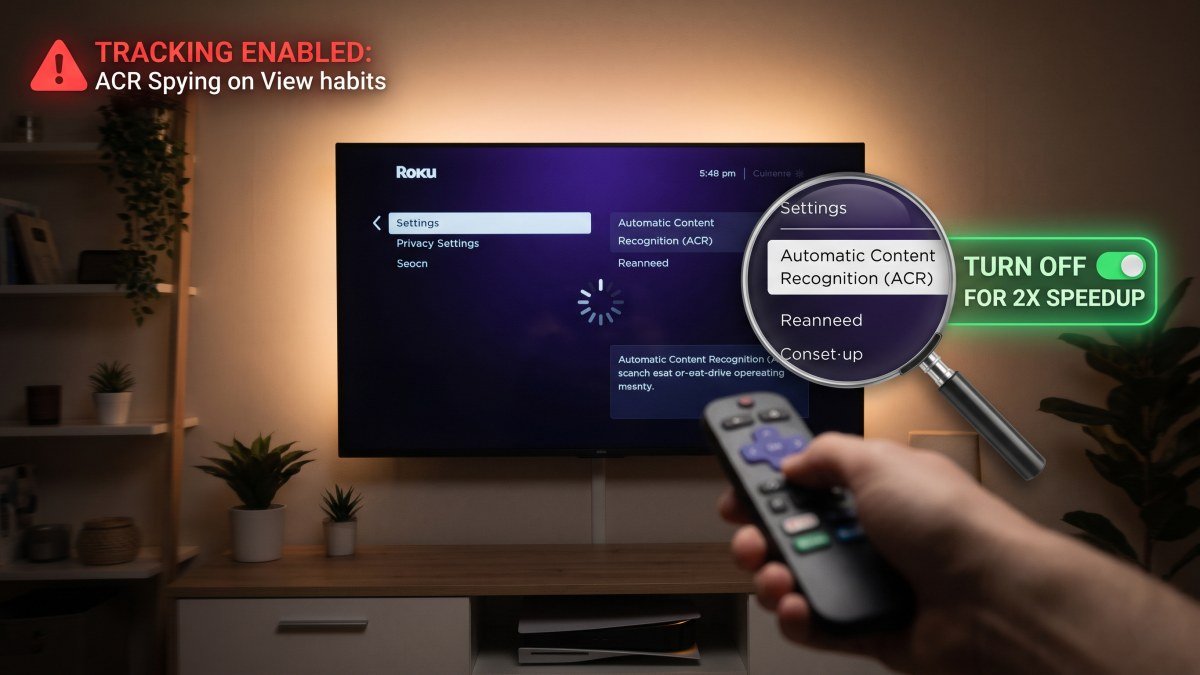
Why Your Smart TV is So Slow (And the Creepy Tracking Setting You Need to Turn Off)
We have all experienced this incredibly frustrating modern phenomenon. You sit down in your living room, pick up your television remote, and press the home button. Instead of instantly snapping to your app menu, the screen freezes. You press the directional arrows, and three seconds later, the television sluggishly stutters through the interface. You are left staring at a blank loading screen, wondering, "why is my smart tv so slow after only a year of use?"
Most consumers naturally assume that their television is just aging, or perhaps their home internet connection is acting up (though if you are experiencing buffering, you should absolutely check our guide on why your Wi-Fi is slow and the hidden router setting to fix it). However, if your TV menus are lagging, the network is not the primary culprit. The real reason your television feels like it is crawling through mud is a deeply hidden, highly invasive software feature called ACR.
ACR stands for Automatic Content Recognition, and it is actively running in the background of almost every single Samsung, LG, Vizio, and Roku television sold today. It is a corporate tracking tool designed to spy on your viewing habits, and it consumes a massive amount of your television’s processing power. If you want to speed up smart tv lagging issues, disabling this creepy tracking feature is the absolute first step you must take.
What is ACR (Automatic Content Recognition)?
When you buy a massive 65-inch 4K Smart TV for an unbelievably low price of $399 at a Black Friday sale, you are not just buying a piece of hardware. You are buying a heavily subsidised advertising billboard. TV manufacturers sell the hardware at razor-thin margins because they make billions of dollars on the back end by harvesting and selling your data to advertisers.
ACR is the engine that drives this data harvesting. It is a piece of software embedded directly into the television's operating system. While your TV is turned on, ACR acts like a digital fingerprint scanner for your screen. Multiple times a second, it analyses the pixels on your display to identify exactly what you are watching. It does not matter if you are streaming Netflix, watching a local news broadcast via a digital antenna, playing a video game, or playing a DVD—the ACR software samples the video and audio, cross-references it with a massive database, and records your activity.
This data is incredibly valuable. If the television recognises that you just watched an advert for a specific brand of dog food, the manufacturer can sell that highly targeted data point to advertising agencies, who will then push related dog food adverts to your smartphone or laptop on the same Wi-Fi network. It is a massive invasion of privacy that you inadvertently agreed to when you blindly clicked "Accept All" during the TV's initial setup.
How ACR is Actively Throttling Your TV's Processor
You might not care if a corporate entity knows you binge-watch reality television, but you should absolutely care about what ACR does to your hardware.
Smart TVs are not built like premium Android flagships. While a device like the Galaxy S26 Ultra or Pixel 11 Pro XL possesses a massively powerful, multi-core processor and 12GB of RAM, a standard Smart TV uses incredibly cheap, underpowered silicon. The processor inside your TV is essentially just a $5 microchip designed with the bare minimum capability to decode video files.
When you force that incredibly weak processor to simultaneously decode a 4K HDR movie and run heavy, real-time image recognition software in the background to track your pixels, the processor maxes out at 100% capacity. Just like a smartphone that is completely choked by bloated cache files (which is why learning how to clear system data on iPhone is so crucial), a TV maxing out its processor has no resources left to respond to your remote control inputs. The result is delayed button presses, crashing applications, and a generally miserable user experience.
Step-by-Step: How to Turn Off ACR on Every Major Smart TV
Fortunately, consumer protection laws dictate that manufacturers must provide a way for users to opt out of this tracking. However, they bury the toggles deep within convoluted menus, often disguising them behind vague terms like "Viewing Information Services" or "Live Plus."
If you are looking for exactly how to turn off ACR on smart tv interfaces, grab your remote and follow these specific paths for the major television brands currently dominating the US market:
| TV Brand | Menu Navigation Path to Disable ACR | What the Setting is Called |
|---|---|---|
| Samsung (Tizen OS) | Settings > Support > Terms & Policy > Viewing Information Services. (Uncheck the box). Also disable "Interest-Based Advertisements". | Viewing Information Services |
| LG (webOS) | Settings > All Settings > General > System > Additional Settings > Live Plus. (Toggle this OFF). Then go to Advertisement and toggle "Limit Ad Tracking" ON. | Live Plus / Limit Ad Tracking |
| Roku TV (TCL, Hisense) | Settings > Privacy > Smart TV Experience. Uncheck "Use info from TV inputs". Under Privacy > Advertising, check "Limit ad tracking". | Smart TV Experience |
| Vizio (SmartCast) | Settings > Admin & Privacy > Viewing Data. (Toggle this OFF). Also disable "Smart Interactivity". | Viewing Data |
Swipe sideways to see all table columns →
- Menu Navigation Path to Disable ACR
- Settings > Support > Terms & Policy > Viewing Information Services. (Uncheck the box). Also disable "Interest-Based Advertisements".
- What the Setting is Called
- Viewing Information Services
- Menu Navigation Path to Disable ACR
- Settings > All Settings > General > System > Additional Settings > Live Plus. (Toggle this OFF). Then go to Advertisement and toggle "Limit Ad Tracking" ON.
- What the Setting is Called
- Live Plus / Limit Ad Tracking
- Menu Navigation Path to Disable ACR
- Settings > Privacy > Smart TV Experience. Uncheck "Use info from TV inputs". Under Privacy > Advertising, check "Limit ad tracking".
- What the Setting is Called
- Smart TV Experience
- Menu Navigation Path to Disable ACR
- Settings > Admin & Privacy > Viewing Data. (Toggle this OFF). Also disable "Smart Interactivity".
- What the Setting is Called
- Viewing Data
Note: Because firmware updates frequently reset user preferences, you should make a habit of checking these privacy menus every six months to ensure the manufacturer has not quietly turned ACR back on after a software patch.
The Nuclear Option: The "Dumb TV" Fix
If you have completely disabled ACR and your television is still struggling to open Netflix without crashing, the internal silicon is likely just too degraded or outdated to run modern streaming applications. As streaming services update their apps with heavier animations and denser code bases, older TVs simply get left behind.
When you reach this point, you do not need to throw a $1,000 piece of glass in the bin just because the internal computer is slow. You can execute the "Dumb TV" fix.
Navigate to your television's network settings and tell the TV to completely "Forget" your Wi-Fi network. By disconnecting the TV from the internet entirely, it can no longer download background updates, serve homepage advertisements, or attempt to send tracking data to servers. It becomes a standard, offline monitor.
Then, spend $30 to $130 on a dedicated streaming device, such as an Apple TV 4K, a Roku Streaming Stick 4K, or a Google Chromecast. Plug this device into the TV's HDMI port. These dedicated devices contain processors that are vastly superior to the ones built into your television, offering blistering speeds, fluid animations, and a much cleaner interface. You will use your TV screen solely as a display panel, allowing the external streaming stick to handle all the heavy software lifting.
Take Back Your Performance
Your living room television should be a source of relaxation, not a source of digital frustration or privacy anxiety. By taking five minutes to navigate into your system menus and rip out the ACR tracking software, you are cutting the corporate tether that drains your bandwidth and chokes your processor. Protect your privacy, free up your TV's RAM, and enjoy a vastly faster, smoother entertainment experience.