Stop Draining Your Phone to 0%: The Battery Calibration Myth Destroying Your Phone
You are sitting at 5% battery, watching the red icon flash on your screen, but you refuse to plug in your charger. You want to let it completely die to "recalibrate" the battery and keep it healthy. It is a piece of tech advice that has been passed down for nearly two decades, repeated by friends, family, and even outdated carrier store representatives.
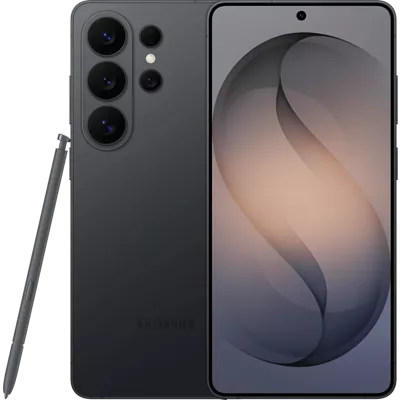
There is just one massive problem: applying this 20-year-old charging habit to a modern flagship smartphone is actively destroying its internal chemistry. If you recently dropped a massive amount of money on a top-tier device like the Samsung Galaxy S26 Ultra or the newly launched Pixel 11, deliberately draining your battery to 0% is the fastest way to guarantee you will need a paid battery replacement before the end of the year.
The smartphone battery calibration myth is arguably the most destructive piece of technological misinformation still circulating in 2026. Modern lithium-ion science dictates the exact opposite of what we were taught in the early 2000s. Here is a deep dive into the chemical realities of your device, why deep discharges cause permanent hardware damage, and exactly how to make phone battery last longer without obsessing over the percentage icon.
The Origins of the Myth: The Nickel-Cadmium "Memory Effect"
To understand why this myth refuses to die, we have to look back at the cell phones of the early 2000s. Before smartphones dominated the market, devices were powered by Nickel-Cadmium (NiCd) or Nickel-Metal Hydride (NiMH) batteries.
These older battery chemistries suffered from a highly documented flaw known as the "memory effect." If you repeatedly plugged in your old flip phone when it was at 30% and unplugged it at 80%, the battery would literally "forget" about the remaining capacity. Its maximum capacity would permanently shrink to match your charging habits. To prevent this, manufacturers explicitly instructed users to completely drain the phone to 0% and charge it straight to 100% to keep the battery calibrated.
However, the industry abandoned Nickel-Cadmium batteries over fifteen years ago. Every single modern smartphone, tablet, laptop, and TWS earbud sold today uses Lithium-Ion (Li-ion) or Lithium-Polymer (Li-Po) technology. These modern batteries do not have a "memory." Treating a 2026 Lithium-Ion battery like a 2004 Nickel-Cadmium battery is the equivalent of pouring diesel into a petrol engine.
Lithium-Ion Chemistry: Why 0% is the Danger Zone
So, should I drain my phone battery to 0? The definitive, scientifically backed answer is no. Lithium-ion batteries operate by moving lithium ions between a positive electrode (cathode) and a negative electrode (anode). This chemical reaction is highly sensitive to extreme voltage states.
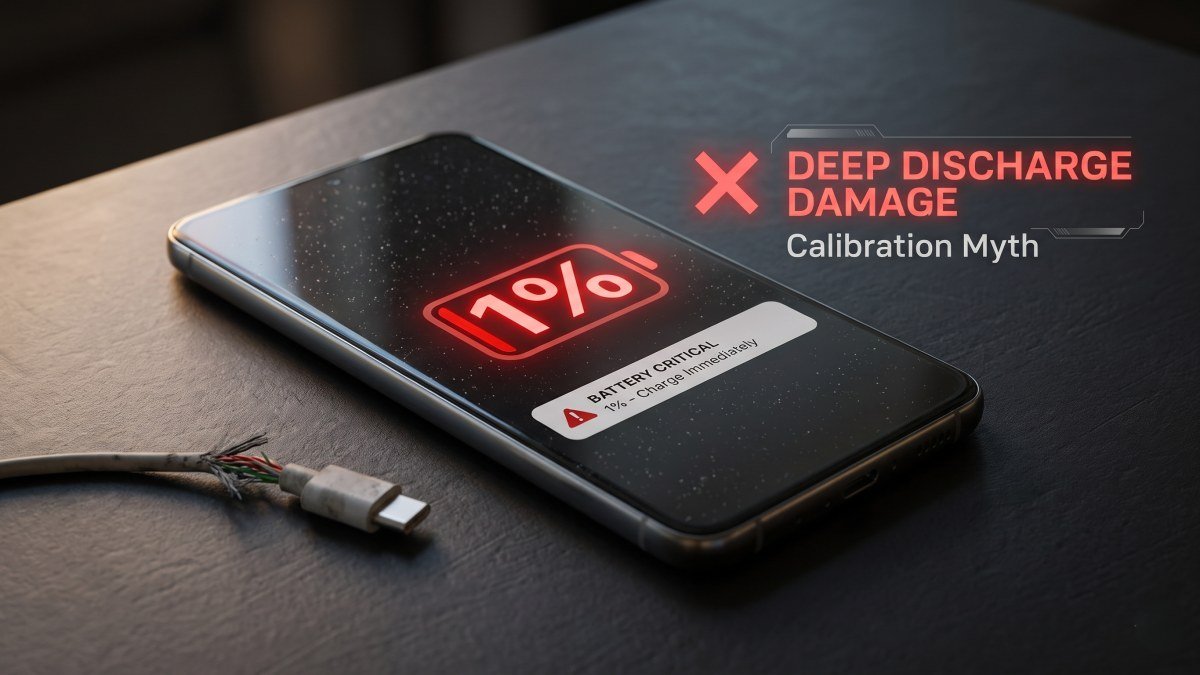
When a lithium-ion battery drops below 15%, the internal voltage drops significantly. If you force the cell all the way down to absolute zero, it undergoes a state of "deep discharge." This causes the chemical materials inside the battery to physically degrade and crystallise. Once these crystals form, they permanently block the flow of ions. You have effectively killed a small percentage of your battery’s total capacity.
If you leave a deeply discharged phone in a drawer for a few weeks without charging it, the voltage can drop so low that the device's Battery Management System (BMS) triggers a failsafe, permanently bricking the battery to prevent a chemical fire. Deep discharges are the enemy of lithium-ion longevity.
The 20-80% Golden Rule of Charging
If deep discharging damages the battery, how should you actually charge it? Battery scientists and engineers universally recommend the 20-80% rule. Lithium-ion cells are under the least amount of physical and chemical stress when they are sitting at a 50% charge.
Pushing a battery to an absolute 100% requires higher voltage and generates excess heat, which also degrades the internal chemistry. Letting it drop below 20% risks deep discharge damage. Therefore, keeping your phone's charge hovering strictly between 20% and 80% can effectively double or even triple its total lifespan.
| Charging Habit | Impact on Lithium-Ion Battery | Long-Term Result (After 1 Year) |
|---|---|---|
| Draining to 0% Constantly | Extreme chemical stress; crystallisation of electrodes. | Maximum capacity drops to 80-85%. Phone dies much faster. |
| Charging to 100% Overnight | High voltage stress; micro-cycling generates excess heat. | Maximum capacity drops to 88-90%. Noticeable battery drain. |
| Keeping between 20% and 80% | Minimal stress; ions flow freely without voltage spikes. | Maximum capacity stays above 95%. Phone feels brand new. |
Swipe sideways to see all table columns →
- Impact on Lithium-Ion Battery
- Extreme chemical stress; crystallisation of electrodes.
- Long-Term Result (After 1 Year)
- Maximum capacity drops to 80-85%. Phone dies much faster.
- Impact on Lithium-Ion Battery
- High voltage stress; micro-cycling generates excess heat.
- Long-Term Result (After 1 Year)
- Maximum capacity drops to 88-90%. Noticeable battery drain.
- Impact on Lithium-Ion Battery
- Minimal stress; ions flow freely without voltage spikes.
- Long-Term Result (After 1 Year)
- Maximum capacity stays above 95%. Phone feels brand new.
Modern AI Optimisation: Let the Phone Do the Work
You do not need to sit and stare at your phone screen, anxiously waiting to unplug it the second it hits 80%. Smartphone manufacturers are well aware of battery chemistry limits and have baked brilliant software safeguards into their modern operating systems.
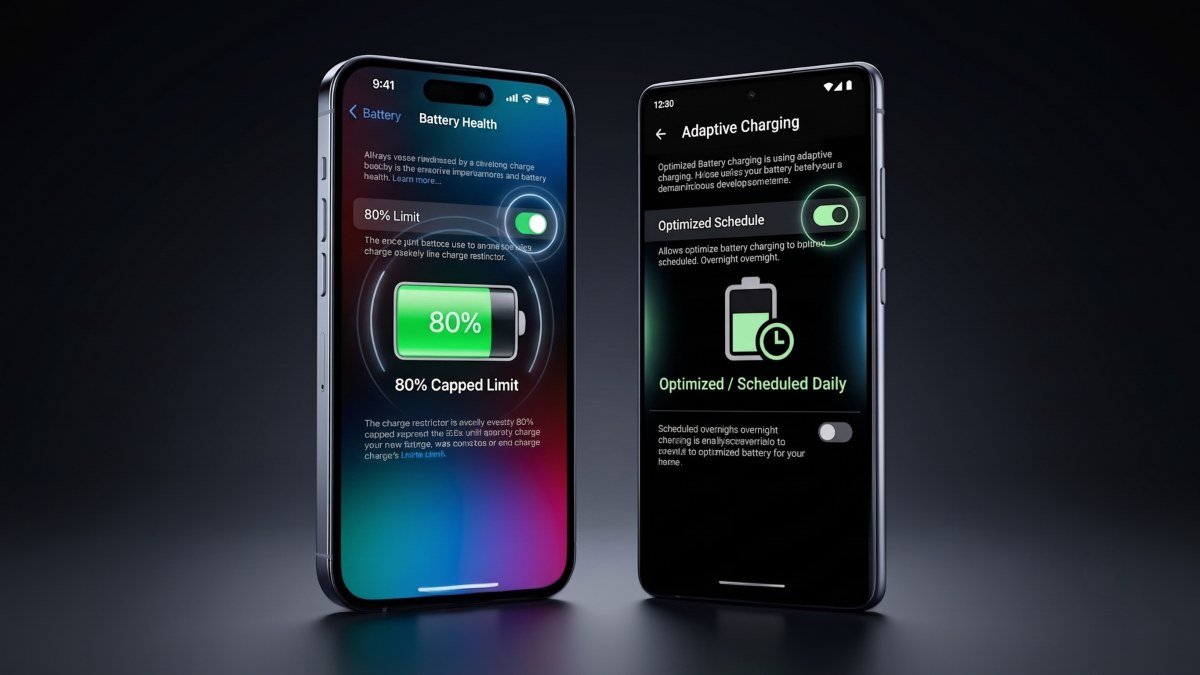
If you dive into the settings of the Apple iPhone 18 Pro or the latest Android 17 devices, you will find aggressive battery health management toggles. The most powerful tool is the "80% Charge Limit." When this is activated, your phone will simply refuse to charge past 80%, completely eliminating high-voltage stress.
Alternatively, if you need a full battery for a long day of travel, you can use "Optimised Battery Charging." This AI-driven feature learns your daily routine. If you plug your phone in at 11:00 PM and wake up at 7:00 AM, the phone will rapidly charge to 80%, pause charging entirely, and then trickle-charge the final 20% just minutes before your alarm goes off. This ensures the phone spends the absolute minimum amount of time sitting at 100%.
Heat: The Silent Battery Killer
While discussing the smartphone battery calibration myth, it is crucial to address the other major factor that rapidly destroys battery health: extreme temperatures. Lithium-ion batteries despise heat.
When you plug your phone into a blazing-fast 65W or 80W charging brick, a massive amount of electrical current generates substantial thermal energy. If you are simultaneously playing a heavy 3D game or streaming high-resolution video while the phone is fast-charging, the internal temperatures can spike dangerously high. Heat accelerates the chemical reactions that degrade battery capacity. The smartest way to fast-charge your device is to take it out of its bulky protective case, place it on a cool, hard surface, and leave the screen off until it is topped up.
Should You Ever Calibrate a Modern Battery?
There is exactly one scenario where draining a lithium-ion battery to 0% is acceptable, and it has nothing to do with the physical health of the battery cell.
Sometimes, after major operating system updates, the software algorithm that estimates your remaining battery percentage can fall out of sync with the physical hardware. If your phone says it has 15% battery but suddenly powers off a second later, the software is confused. In this highly specific instance, taking the phone down to 0% until it shuts off, and then charging it uninterrupted to 100%, can help recalibrate the software sensor. However, with modern Battery Management Systems, this is rarely necessary and should never be done more than once a year.
The era of battery babysitting is over. Stop clinging to outdated advice that is actively harming your premium devices. Plug your phone in whenever you want, take advantage of short top-ups throughout the day, turn on your device's built-in AI charging optimisations, and whatever you do, do not let that battery hit zero.