D Dev Duniya
Back to Journal
2 min read

Selenium Webdriver Commands | Most Used Selenium Webdriver Commands | Selenium Tutorial By DevDuniya- DevDuniya

Ashish Yadav

Ashish Yadav

Published on Dev Duniya
Keep exploring
Compare the details before you buy.

In our previous tutorial, we discussed how to install selenium and how the selenium web driver works. In this tutorial, we are going to learn the most used selenium web driver commands. If we have created a web driver object then we can use many commands on the web driver object to perform different tasks.

Now first we will see how to create a web driver object:-

from selenium import webdriver
driver = webdriver.Chrome(path= "D:\Ashish\Desktop\chromedriver.exe")

We have created a selenium webdriver object, now we can perform different tasks on webdriver objects with the help of these commands. So let's start to describe these commands:-

Webdriver Commands Description

CommandsDescription
add_cookieIt is used to add a cookie to your current session
backGoes one step backward in the browser history
closeused to close the current browser window which is currently in focus
current_urlGets the URL of the current page
current_window_handlecurrent_window_handle method returns the handle of the current window
create_web_elementCreates a web element with the specified element_id
delete_all_cookiesIt is used to delete all cookies in your browser history
execute_async_scriptAsynchronously Executes JavaScript in the current window
execute_scriptSynchronously Executes JavaScript in the current window
forwardTo go forward
fullscreen_windowInvokes the window manager-specific ‘full-screen operation
get_cookieIt is used to get a cookie with a specified name
get_logGets the log for a given log type
get_screenshot_as_fileSaves a screenshot of the current window to a PNG image file
get_screenshot_as_pngGets the screenshot of the current window as a binary data
get_window_rectGets the x and y coordinates of the window as well as the height and width of the current window
implicitly_waitSets a sticky timeout to implicitly wait for an element to be found
maximize_windowTo maximize the window
minimize_windowTo minimize the window
page_sourceGets the source of the current page
quitIt will close all the browsers windows which are currently opened and terminate the WebDriver session
refreshIt will refresh the page or reload the page
set_page_load_timeoutSet the amount of time to wait for a page load to complete before throwing an error
set_window_positionSets the x and y positions of the current window
titleReturns the title of the current page

Swipe sideways to see all table columns →

Commands
add_cookie
Description
It is used to add a cookie to your current session
Commands
back
Description
Goes one step backward in the browser history
Commands
close
Description
used to close the current browser window which is currently in focus
Commands
current_url
Description
Gets the URL of the current page
Commands
current_window_handle
Description
current_window_handle method returns the handle of the current window
Commands
create_web_element
Description
Creates a web element with the specified element_id
Commands
delete_all_cookies
Description
It is used to delete all cookies in your browser history
Commands
execute_async_script
Description
Asynchronously Executes JavaScript in the current window
Commands
execute_script
Description
Synchronously Executes JavaScript in the current window
Commands
forward
Description
To go forward
Commands
fullscreen_window
Description
Invokes the window manager-specific ‘full-screen operation
Commands
get_cookie
Description
It is used to get a cookie with a specified name
Commands
get_log
Description
Gets the log for a given log type
Commands
get_screenshot_as_file
Description
Saves a screenshot of the current window to a PNG image file
Commands
get_screenshot_as_png
Description
Gets the screenshot of the current window as a binary data
Commands
get_window_rect
Description
Gets the x and y coordinates of the window as well as the height and width of the current window
Commands
implicitly_wait
Description
Sets a sticky timeout to implicitly wait for an element to be found
Commands
maximize_window
Description
To maximize the window
Commands
minimize_window
Description
To minimize the window
Commands
page_source
Description
Gets the source of the current page
Commands
quit
Description
It will close all the browsers windows which are currently opened and terminate the WebDriver session
Commands
refresh
Description
It will refresh the page or reload the page
Commands
set_page_load_timeout
Description
Set the amount of time to wait for a page load to complete before throwing an error
Commands
set_window_position
Description
Sets the x and y positions of the current window
Commands
title
Description
Returns the title of the current page
Web Driver Commands

We have listed only webdriver methods, in our coming tutorial, we will cover all the topics one by one so doesn't worry about these concepts. So we have successfully covered all the selenium web driver methods that are mostly used while fetching data.

Now in the next article, we will discuss How to Fetch Single Data in Selenium Webdriver.
Keep reading

12 latest articles

The newest stories from Dev Duniya, excluding the article you are reading.

All articles →

From the product catalog

Explore device specifications

Specification cards update automatically from published catalog products, grouped by brand.

Apple specifications

Explore Apple devices →
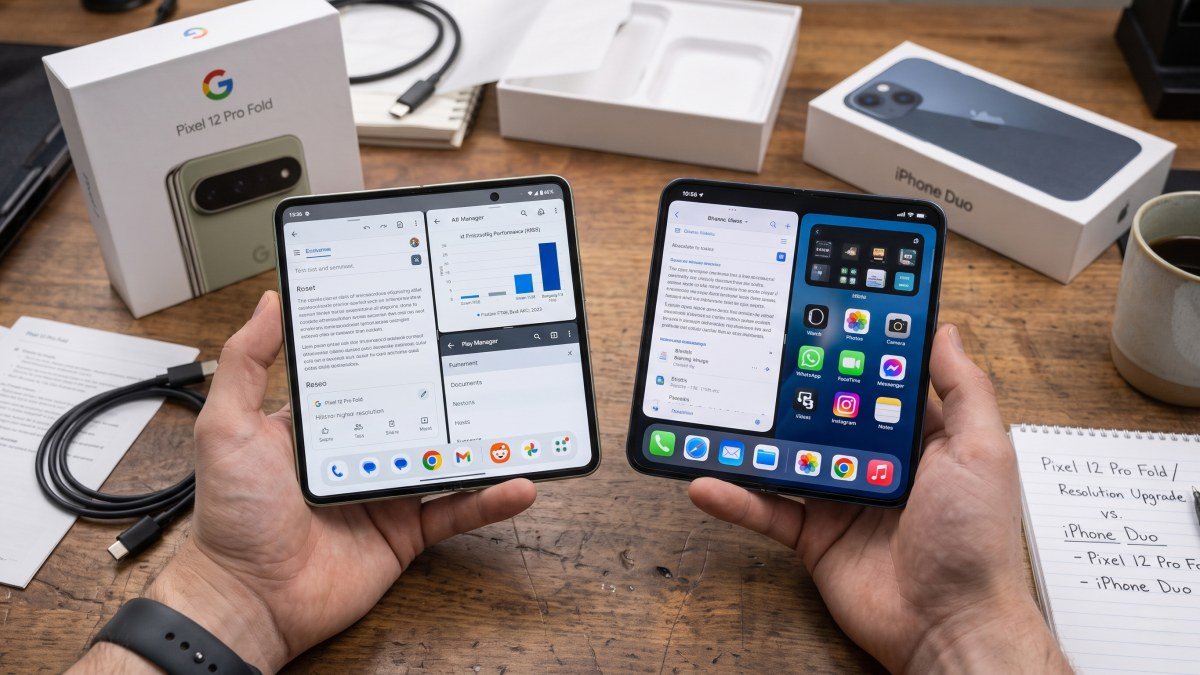
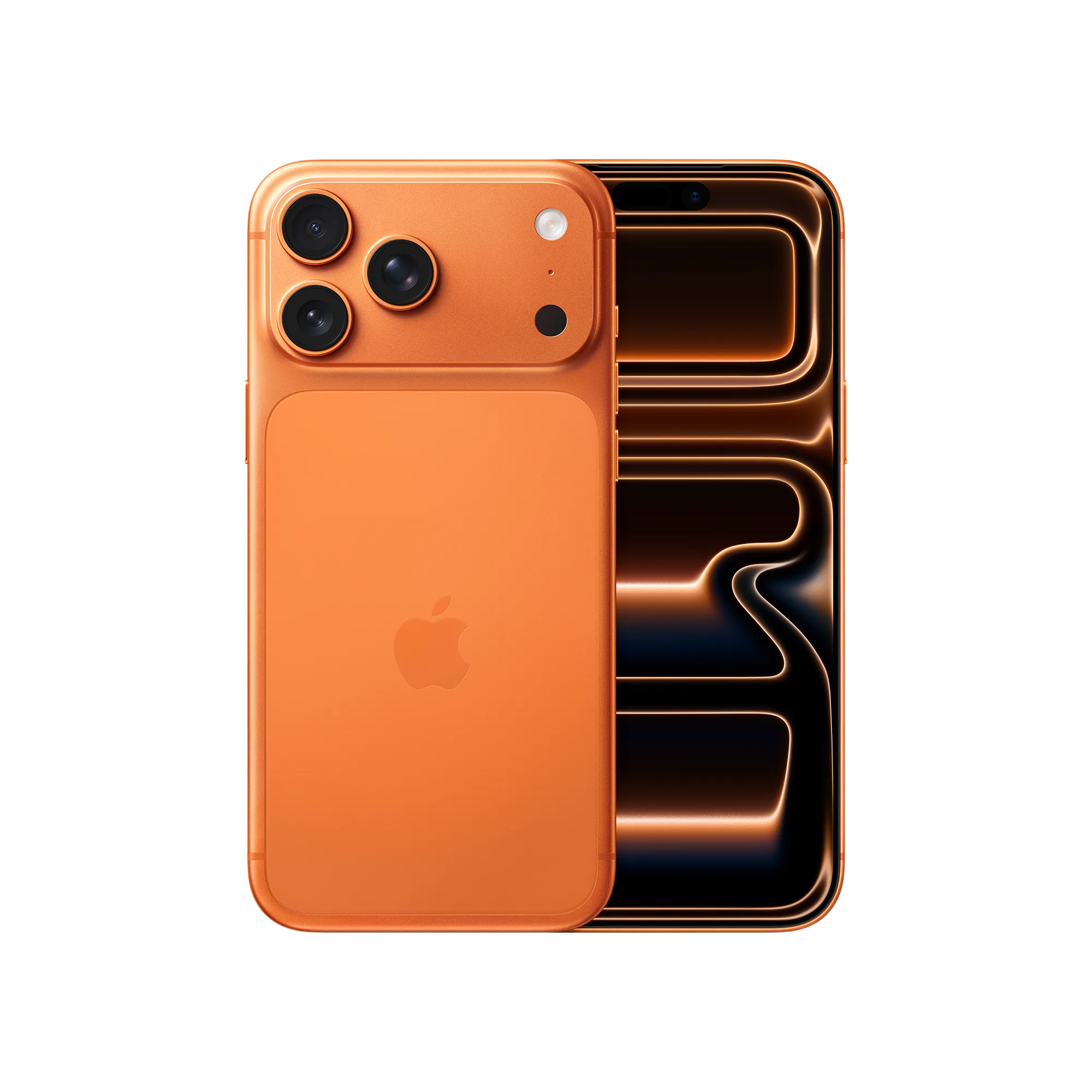
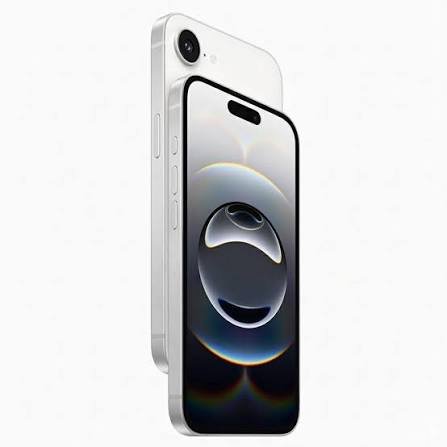
Apple Apple iPhone Duo
Apple Apple iPhone Duo specifications

Apple iPhone Duo is a new-generation iPhone model focused on a sleek design, powerful performance, and everyday usability. Explore iPhone Duo specifications, features, display, cameras, battery, and expected price in the USA. Get the latest information about Apple iPhone Duo and its key features. Compare iPhone Duo with other popular Apple iPhone models.

Size (inches)
Open: 4.64 x 6.48 x 0.21 Closed: 4.64 x 3.31 x 0.44
Weight (ounces)
8.96
Display size (inches)
Inner: 7.6-inch (diagonal) all-screen OLED folding display Outer: 5.4-inch (diagonal) all-screen OLED display
Resolution (pixels)
Inner: 1878-by-2670-pixel resolution at 430 ppi Outer: 1398-by-2034-pixel resolution at 460 ppi
See all specifications →
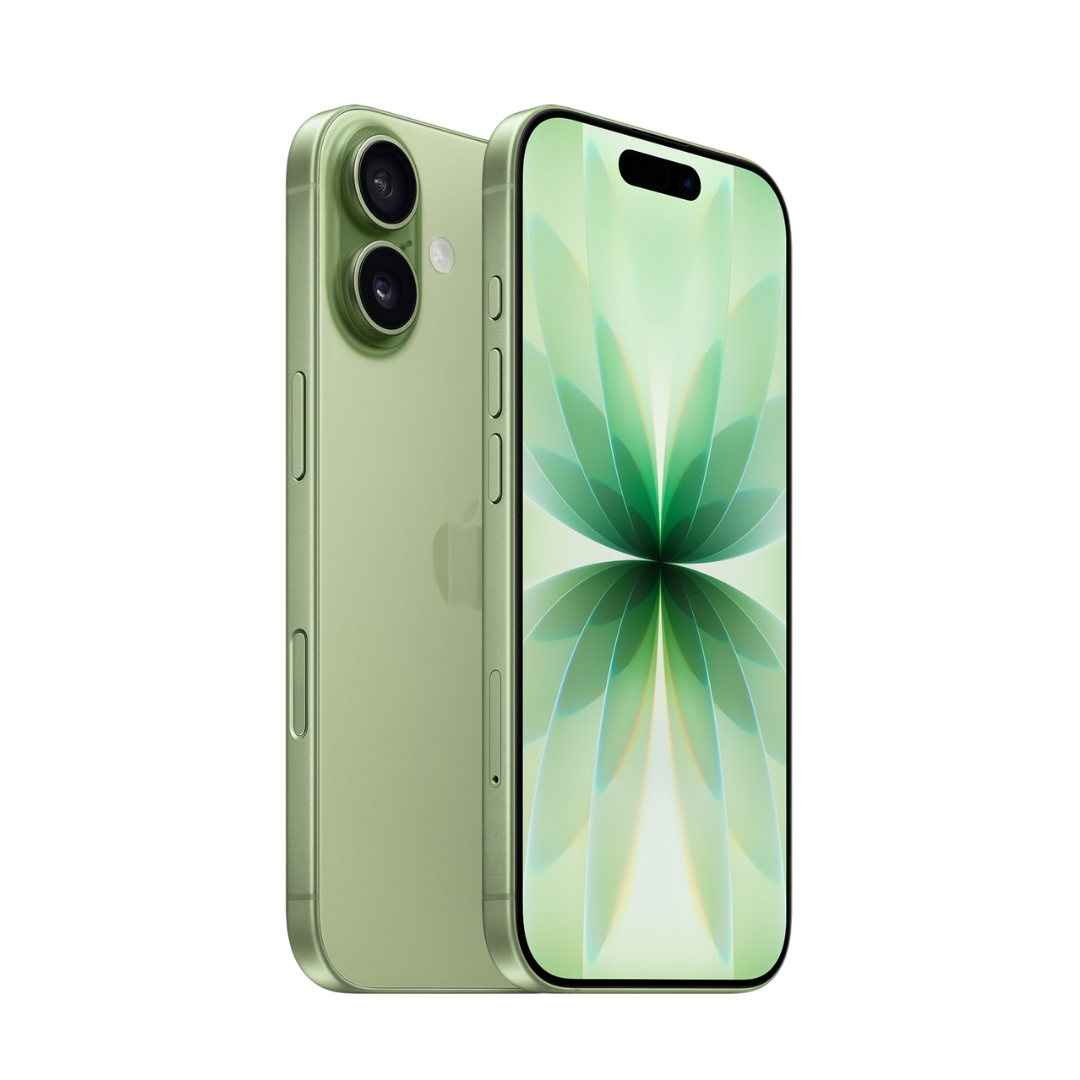
Apple Apple iPhone 18 Pro Max
Apple Apple iPhone 18 Pro Max specifications

Apple iPhone 18 Pro Max is a high-end flagship smartphone designed for powerful performance and advanced photography. Explore iPhone 18 Pro Max specifications, features, display, cameras, battery, and expected price in the USA. Discover the latest upgrades and key features of Apple’s largest Pro iPhone. Compare iPhone 18 Pro Max with other premium flagship smartphones.

Size (inches)
6.43 x 3.07 x 0.34
Weight (ounces)
8.78
Display size (inches)
6.9-inch (diagonal) all-screen OLED display
Resolution (pixels)
2868-by-1320-pixel resolution at 460 ppi
See all specifications →
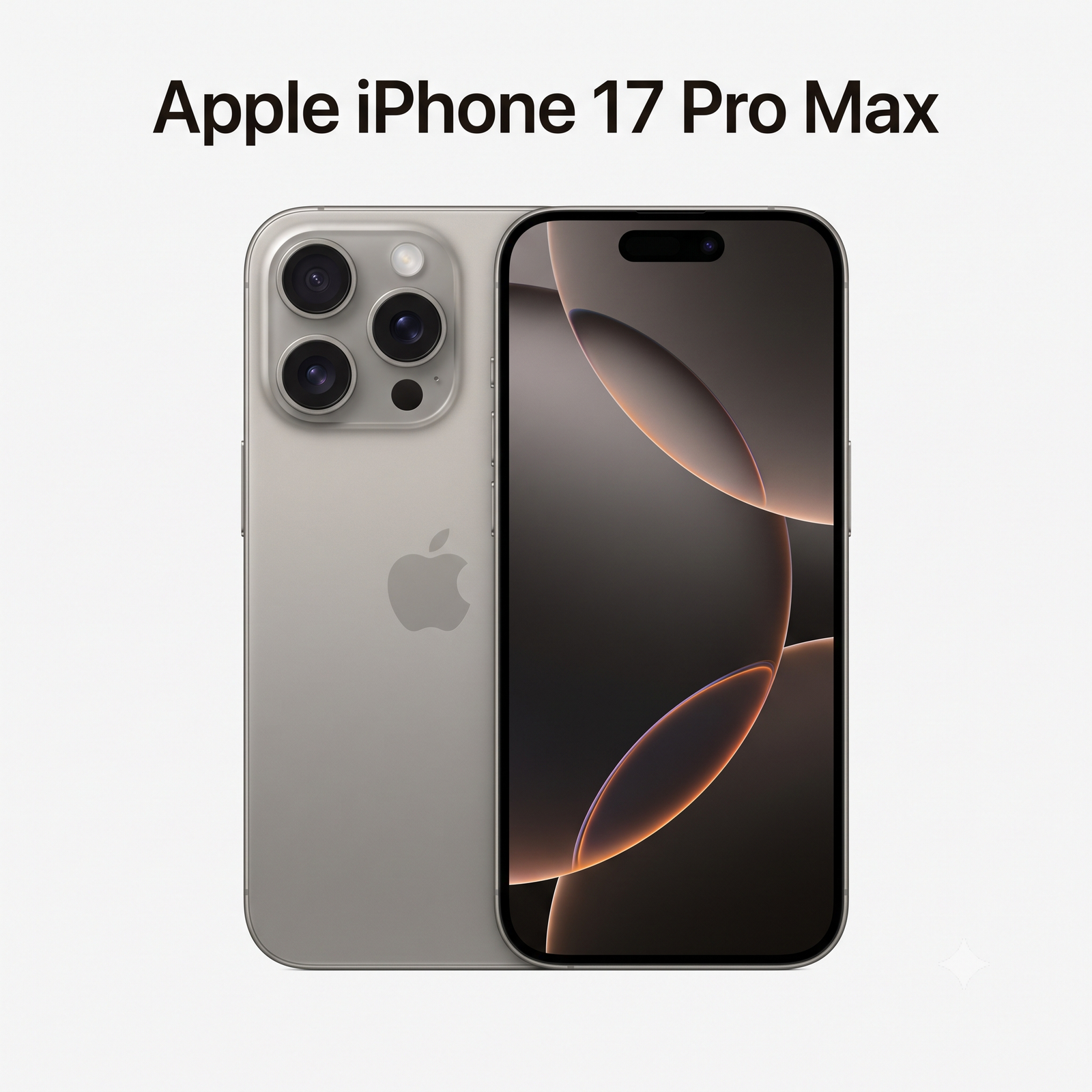
Apple Apple iPhone 18 Pro
Apple Apple iPhone 18 Pro specifications

Apple iPhone 18 Pro is a premium flagship smartphone with advanced performance and an upgraded camera system. Explore iPhone 18 Pro specifications, features, display, cameras, battery, and expected price in the USA. Get the latest details about Apple’s new Pro model and its key upgrades. Compare iPhone 18 Pro features with other flagship smartphones.

Size (inches)
5.91 x 2.83 x 0.34
Weight (ounces)
7.44
Display size (inches)
6.3-inch (diagonal) all-screen OLED display
Resolution (pixels)
2622-by-1206-pixel resolution at 460 ppi
See all specifications →

Google specifications

Explore Google devices →
Google Google Pixel 12
Google Google Pixel 12 specifications

Upgrade to the Google Pixel 12, an advanced 5G AI smartphone. Experience seamless performance powered by the custom Google Tensor G7 processor. Enjoy a stunning 6.3-inch OLED Actua display and take flawless photos with the powerful 50MP dual-camera system. Built with an adaptive all-day battery and seamless Google Gemini AI integration, it is the perfect unlocked device for everyday brilliance.

Size (inches)
6.02 x 2.83 x 0.34
Weight (ounces)
6.95
Display size (inches)
6.3-inch (diagonal) OLED display
Resolution (pixels)
1080 x 2424 pixels
See all specifications →
Google Google Pixel 12 Pro
Google Google Pixel 12 Pro specifications

Discover the new Google Pixel 12 Pro, the ultimate 5G AI smartphone. Powered by the next-generation Google Tensor G7 chip and built-in Gemini AI, it delivers blazing-fast performance. Capture professional-grade photos with the advanced 50MP Pro Triple Camera system featuring 5x optical zoom. Complete with a stunning 6.3-inch Super Actua display, all-day adaptive battery, and a premium titanium frame. Upgrade to the smartest Android phone today.

Size (inches)
6.02 x 2.83 x 0.33
Weight (ounces)
7.3
Display size (inches)
6.31-inch LTPO OLED display
Resolution (pixels)
2856 x 1280 pixels
See all specifications →
Google Google Pixel 12 Pro XL
Google Google Pixel 12 Pro XL specifications

Go bigger with the Google Pixel 12 Pro XL, the ultimate large-screen 5G AI smartphone. It boasts a massive 6.8-inch OLED display and the lightning-fast Google Tensor G7 chip. Capture master-level photography using the 50MP Pro Triple Camera setup. Equipped with a massive 5500mAh battery for extended endurance and fast 67W charging, this unlocked flagship redefines premium power.

Size (inches)
6.43 x 3.07 x 0.34
Weight (ounces)
8.18
Display size (inches)
6.8-inch LTPO OLED Super Actua display
Resolution (pixels)
2992 x 1344 pixels
See all specifications →
Google Google Pixel 12 Pro Fold
Google Google Pixel 12 Pro Fold specifications

Transform your mobile experience with the Google Pixel 12 Pro Fold. This unlocked 5G AI foldable smartphone unfolds into a gorgeous 8-inch dual-UTG inner OLED display for next-level multitasking and entertainment. Powered by the Google Tensor G7 chip, it features flexible triple-camera photography, advanced Gemini AI, and a highly durable folding hinge design.

Size (inches) - Unfolded
6.24 x 5.64 x 0.16
Size (inches) - Folded
6.24 x 2.87 x 0.35
Weight (ounces)
7.58
Main Display
8.0-inch Foldable LTPO OLED, 120Hz
See all specifications →

Samsung specifications

Explore Samsung devices →