I Replaced My MacBook Pro With a Lenovo "Googlebook" for a Week—Here is the Brutal Truth
For the past four years, my daily workflow has been chained to the Apple ecosystem. Like millions of other professionals in the US, I relied on the sheer brute force of Apple’s M-series silicon. My M3 MacBook Pro was my security blanket for writing, photo editing, and managing endless browser tabs. But when Google officially launched its new ultra-premium "Googlebook" tier this fall, promising to bridge the gap between lightweight web browsing and heavy-duty desktop productivity, my curiosity got the better of me.
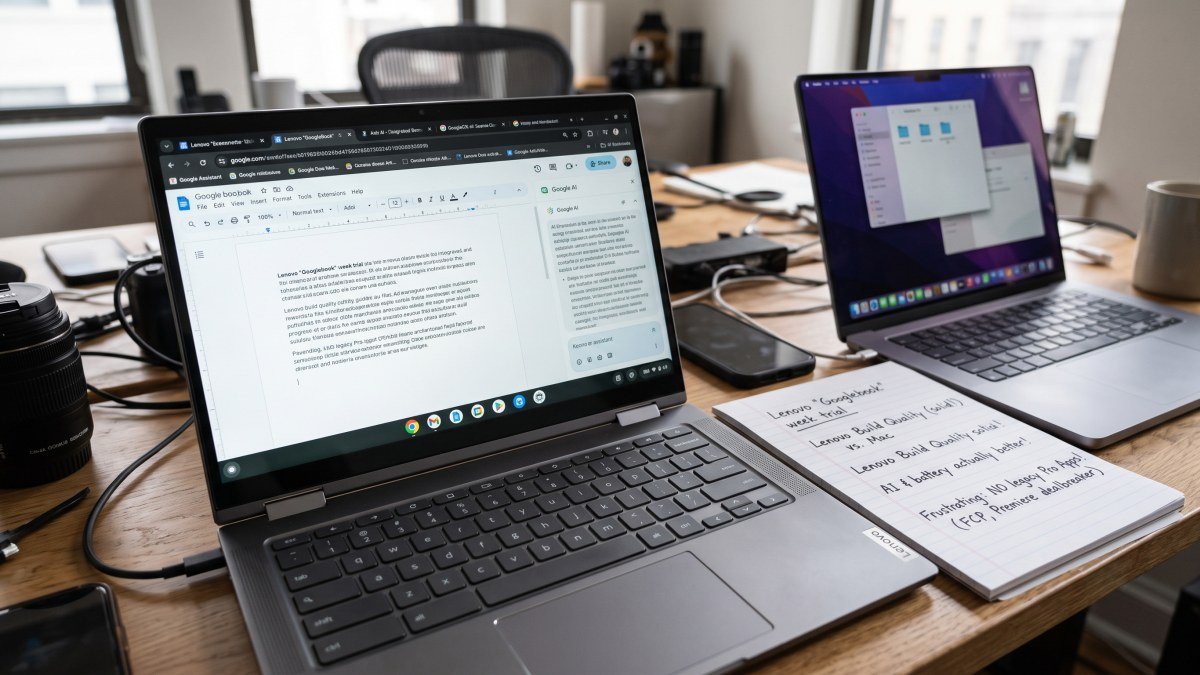
I decided to run a brutal experiment. I powered down my MacBook Pro, locked it in a desk drawer, and moved my entire professional life over to the new Lenovo Googlebook for exactly seven days.
I expected a frustrating week of web-app workarounds and compromised hardware. What I actually experienced was a radical shift in how I view operating systems, complete with mind-blowing AI integration, shocking battery life, and one massive, unavoidable dealbreaker. Here is the brutal truth of what happens when you ditch macOS for Google’s premium vision of the future.
Hardware: Shedding the "Cheap Chromebook" Stigma
Let’s get one thing straight immediately: the Lenovo Googlebook is not the $200 plastic Chromebook you used in middle school or college. Google’s new certification tier mandates ultra-premium build materials, and Lenovo absolutely delivered.
Pulling the device out of the box, I was struck by its CNC-milled aluminum chassis. It possesses the dense, cold, premium feel that Apple has historically monopolized. The display is a gorgeous 14-inch 120Hz OLED touchscreen with a 16:10 aspect ratio, providing deep blacks and incredibly vibrant colors that rivaled my MacBook's Liquid Retina XDR screen.
But where the Lenovo Googlebook actually beat my MacBook was the typing experience. Lenovo borrowed heavily from its legendary ThinkPad lineage, delivering a keyboard with 1.5mm of key travel. It is tactile, snappy, and infinitely more comfortable for long-form writing than the shallow switches on modern MacBooks.
The Surprise: Unmatched AI Integration and Battery Life
On Day 2 of my experiment, I realized exactly why Google is pushing the Googlebook moniker. The operating system is entirely rebuilt around Google Gemini, and the implementation is vastly superior to Apple Intelligence in its current state.
Because the Lenovo Googlebook features a dedicated Neural Processing Unit (NPU), AI is baked into the very fabric of the OS rather than existing as a separate app. While researching a massive 40-page PDF report, I simply dragged the Gemini sidebar over the document. Without uploading the file to a cloud server, the local AI summarized the entire document in seconds, pulled specific data points, and generated an email draft outlining the key metrics. It felt like I had a digital assistant looking over my shoulder, anticipating my workflow.
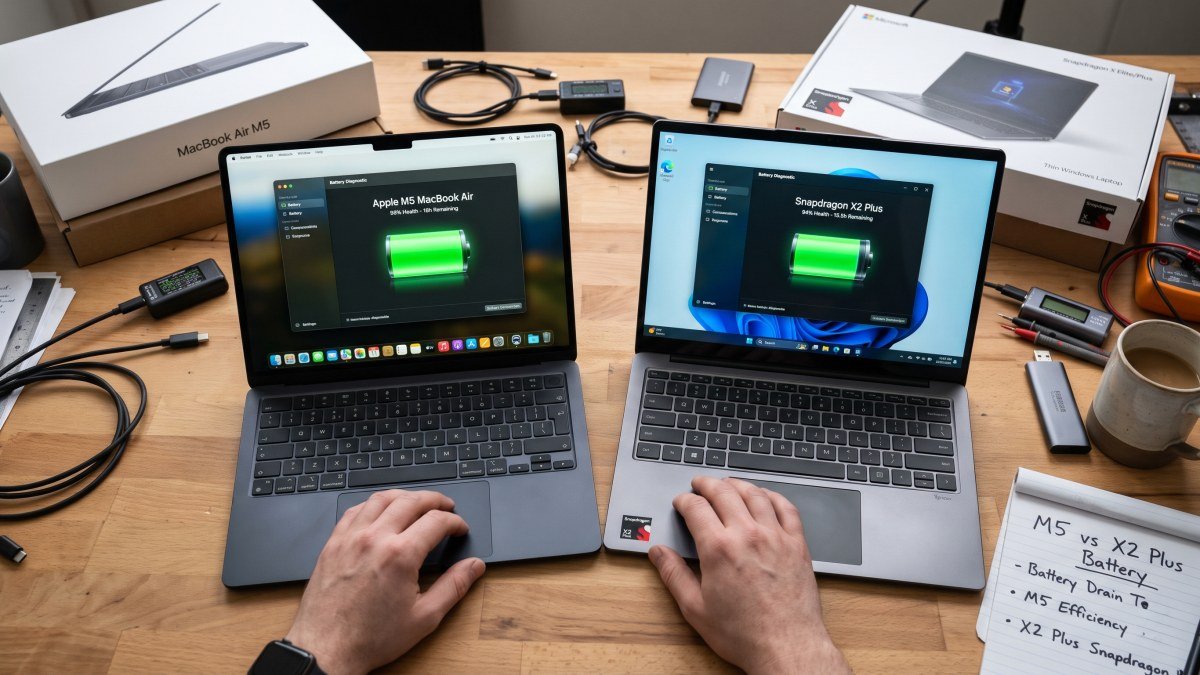
Then came Day 4, the day I accidentally left my charger at home. I worked a full nine-hour shift consisting of constant Google Meet calls, dozens of active Chrome tabs, Spotify streaming, and light photo editing. By 5:00 PM, my battery was sitting at an astonishing 42%.
Because the Googlebook operating system strips away the heavy background bloat of macOS and Windows, the hardware doesn't have to work nearly as hard. Combined with ARM-based architecture, the Lenovo Googlebook easily pushes past 16 hours of real-world use. It completely eliminated my battery anxiety in a way my MacBook Pro never could.
The Dealbreaker: Hitting the "Pro App" Wall
By Day 5, I was convinced I was going to sell my MacBook. The Lenovo Googlebook was faster, smarter, and lighter. And then, I hit the wall. The brutal truth of the Googlebook ecosystem is that it still falls apart the second you need legacy professional applications.
My publisher asked for a quick video edit for a social media campaign. On my MacBook Pro, I would boot up Adobe Premiere Pro or Final Cut Pro, apply a heavy color-grading LUT, render, and export in 10 minutes. On the Lenovo Googlebook, I was stranded.
There is no full desktop version of Adobe Creative Cloud for this operating system. I was forced to choose between web-based editors (which struggled heavily with large 4K video files) or downloading the Android app wrapper of Adobe Rush from the Google Play Store. The Android app version was clunky, lacked advanced keyframing, and felt like I was editing on a giant smartphone.
The same frustration applied to complex local coding environments and heavy graphic design software. While web apps like Figma and Canva run beautifully, the lack of native, heavy-duty software like full desktop Photoshop or Logic Pro remains a massive bottleneck. If your job requires specific legacy software, the Googlebook simply cannot replace a traditional laptop.
Who is the Googlebook Actually For?
After a full week with the Lenovo Googlebook, my perspective has completely shifted. If you are a professional video editor, a 3D animator, or a heavy music producer, you should absolutely stick to your M-series MacBook or check out the latest best phone deals in the USA to complement your existing Apple ecosystem.
However, if you are a writer, a researcher, a web developer, a student, or an enterprise manager who lives inside a web browser, the Googlebook is a revelation. The hardware is flawless, the battery life is industry-leading, and the localized Gemini AI genuinely speeds up mundane daily tasks.
Lenovo isn't the only one pushing this boundary; devices like the Acer Googlebook and the premium XPS Googlebook from Dell are proving that Google's new tier of laptops is here to stay. I am moving my MacBook Pro back to my primary desk for heavy video editing, but for traveling, writing, and everyday productivity, the Lenovo Googlebook has officially earned its place in my bag. For more hands-on reviews and tech deep dives, be sure to keep an eye on the DevDuniya tech blogs.