D Dev Duniya
Back to Journal
5 min read

Why Is One Earbud Dying Faster? 5 Fixes for Uneven Battery Drain

Ashish Yadav

Ashish Yadav

Published on Dev Duniya
Keep exploring
Compare the details before you buy.

Why Is One Wireless Earbud Dying Faster? 5 Quick Fixes for Uneven Battery Drain

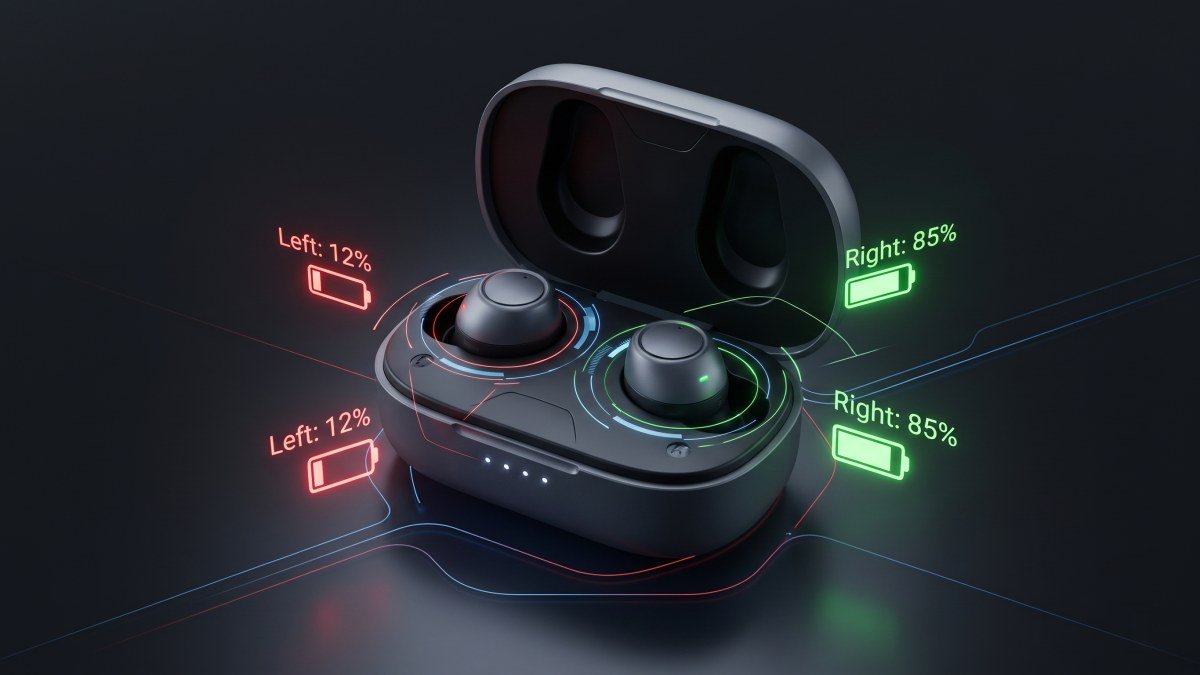
You are an hour into your morning commute or a critical Zoom call when it happens: the dreaded low-battery chime plays, but only in your left ear. You check your Bluetooth settings, and sure enough, your left earbud is at 10%, while your right earbud is sitting comfortably at 45%. If you are constantly wondering why is one earbud dying faster than the other, you are not alone.

Before you assume your expensive earbuds are permanently broken and head to the best US phone deals page to buy a replacement pair, take a deep breath. A left AirPod draining faster than right (or vice versa) is a universal hardware reality of True Wireless Stereo (TWS) technology, not necessarily a defective battery. In fact, audio engineers consider a battery drain difference of up to 20% completely normal.

Here is exactly why your wireless earbuds are draining unevenly, and the five quick Bluetooth settings and hardware fixes you can use to balance the battery life and secure an uneven wireless earbud battery drain fix.


The Root Cause: Microphones and the "Master" Role

To fix the issue, you have to understand how wireless earbuds actually work. Most Bluetooth earbuds use a "Master-Slave" architecture. One earbud (the Master) handles the heavy lifting: it maintains the Bluetooth connection with your phone and then relays the audio signal over to the secondary earbud (the Slave). Simply maintaining this primary connection consumes roughly 15% to 25% more power.

More importantly, when you are on a phone call or an online meeting, only one microphone is active to record your voice. Processing your voice, actively canceling background noise, and transmitting that data back to the phone requires massive amounts of energy. If your earbuds automatically assign the left side to be the "Master" and the active microphone, that side will mathematically die much faster.


5 Quick Fixes for Uneven Earbud Battery Drain

1. Disable Automatic Microphone Switching

By default, Apple AirPods and many Android earbuds are set to "Automatically Switch" the microphone. However, the software often gets stuck preferring one side. If you take a lot of phone calls, forcing the microphone to the other earbud will balance the battery wear.

  • For AirPods: Go to Settings > Bluetooth. Tap the "i" next to your AirPods. Tap "Microphone" and change it from "Automatically Switch" to "Always Right AirPod" or "Always Left AirPod". (Check out our guide on an iOS 20 hidden setting draining AirPods 5 battery for more iOS-specific software tweaks).
  • For Android: Check your companion app (like the Galaxy Wearable app or Pixel Buds app) to assign microphone duties manually to the earbud with the stronger battery.

2. The "First Earbud Out" Rule

Your earbuds are actually quite smart. They usually assign the battery-draining "Master" role and the microphone duty to whichever earbud you pull out of the charging case first and insert into your ear. If you are right-handed, you probably pull the right earbud out first every single time out of pure habit, dooming it to age faster.

The Fix: Force yourself to alternate. Pull the left earbud out first on Mondays, Wednesdays, and Fridays. Pull the right one out on the other days to balance the chemical battery wear.

3. Clean the Charging Contacts (The 93% Illusion)

Sometimes, the battery isn't draining faster—it just never fully charged in the first place. The metal charging pins inside the case and on the earbuds are exposed to skin oils, earwax, and sweat every day. Over time, this creates a microscopic layer of oxidation. Your phone might say the earbud is at 100%, but because of poor electrical contact, it actually only charged to a lower capacity before the case stopped supplying current.

The Fix: Take a microfiber cloth or a dry cotton swab and gently wipe the metal contacts at the bottom of the stems and deep inside the charging case.

4. Disable Single-Side Voice Assistants

If you have your earbuds set so that a double-tap on the left earbud summons Siri or Google Assistant, the left earbud's microphone is constantly on standby, waiting for a prompt. This constant active buffering drains the battery silently in the background.

The Fix: Go into your Bluetooth settings and change the double-tap functionality to something passive, like "Play/Pause" or "Next Track," to extend overall battery life.

5. Hard Reset and Firmware Update

If your companion app displays erratic battery percentages (e.g., jumping from 40% to 10% in five minutes), you are likely experiencing a software calibration glitch rather than a physical battery failure.

The Fix: Put both earbuds in the case, plug the case into the wall, and leave it next to your connected phone for 30 minutes to force a background firmware update. Afterward, hold the pairing button on the back of the case for 15 seconds to initiate a full factory reset. This forces the battery sensors to recalibrate and often resolves uneven drain reporting.


When Is It Time to Replace Them?

Lithium-ion batteries have a finite lifespan. If you have been using your wireless earbuds every day for over two years, the lithium-ion cells are naturally chemically degrading. Because each earbud houses an independent battery cell, one will naturally age and fail slightly faster than the other.

Troubleshooting Stage Battery Drain Difference Action Required
Normal Operation 0% to 20% Difference None. This is normal Bluetooth behavior.
Settings Issue 20% to 40% Difference Change microphone allocation and alternate primary earbud usage.
Hardware Degradation 50%+ Difference (Dies in <1 hr) Battery is failing. Consider a replacement.

Swipe sideways to see all table columns →

Troubleshooting Stage
Normal Operation
Battery Drain Difference
0% to 20% Difference
Action Required
None. This is normal Bluetooth behavior.
Troubleshooting Stage
Settings Issue
Battery Drain Difference
20% to 40% Difference
Action Required
Change microphone allocation and alternate primary earbud usage.
Troubleshooting Stage
Hardware Degradation
Battery Drain Difference
50%+ Difference (Dies in <1 hr)
Action Required
Battery is failing. Consider a replacement.

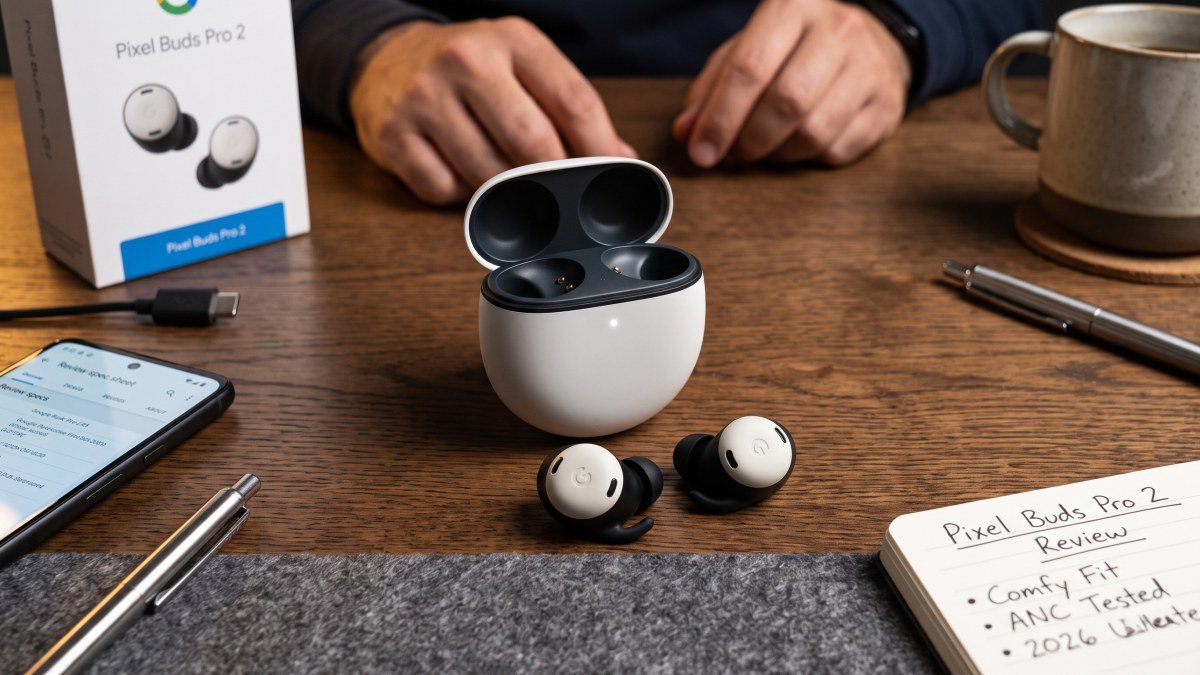
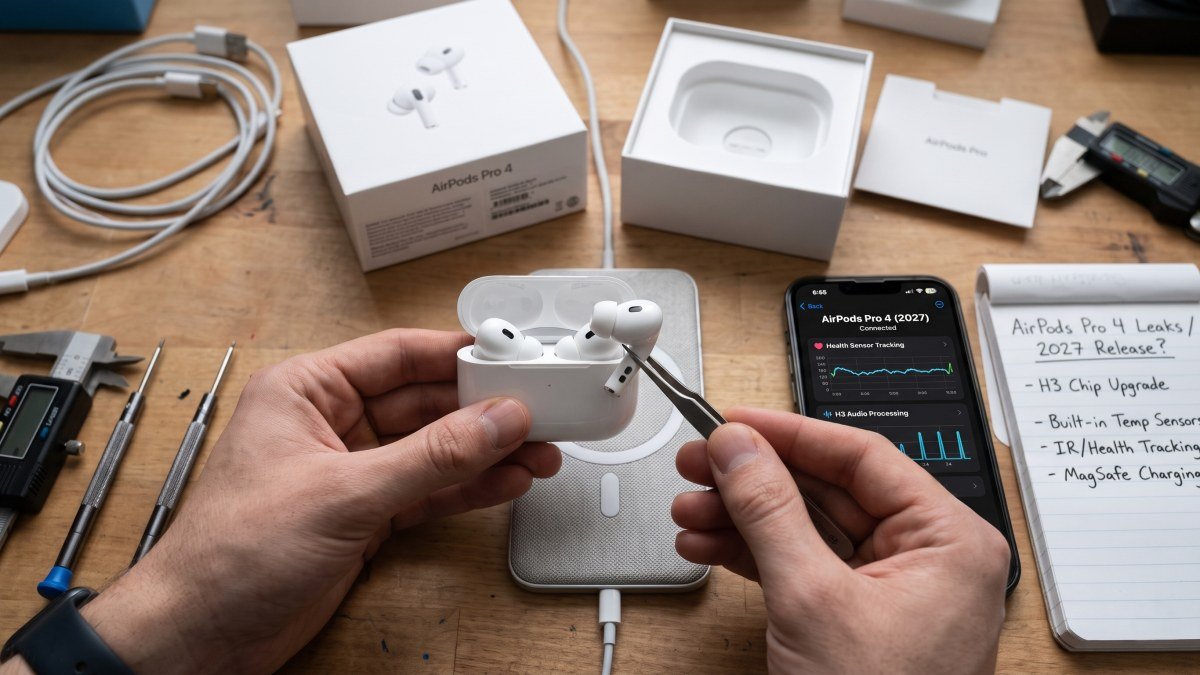
If one earbud is dying in under an hour regardless of the fixes above, it is time for an upgrade. If you are in the market for a replacement, be sure to check out the heavily discounted Pixel Buds Pro 2, or read up on the massive health sensors coming to the next-generation AirPods Pro 4 before making your final purchasing decision.
Keep reading

12 latest articles

The newest stories from Dev Duniya, excluding the article you are reading.

All articles →

From the product catalog

Explore device specifications

Specification cards update automatically from published catalog products, grouped by brand.

Apple specifications

Explore Apple devices →
Apple Apple MacBook Pro 14-inch
Apple Apple MacBook Pro 14-inch specifications

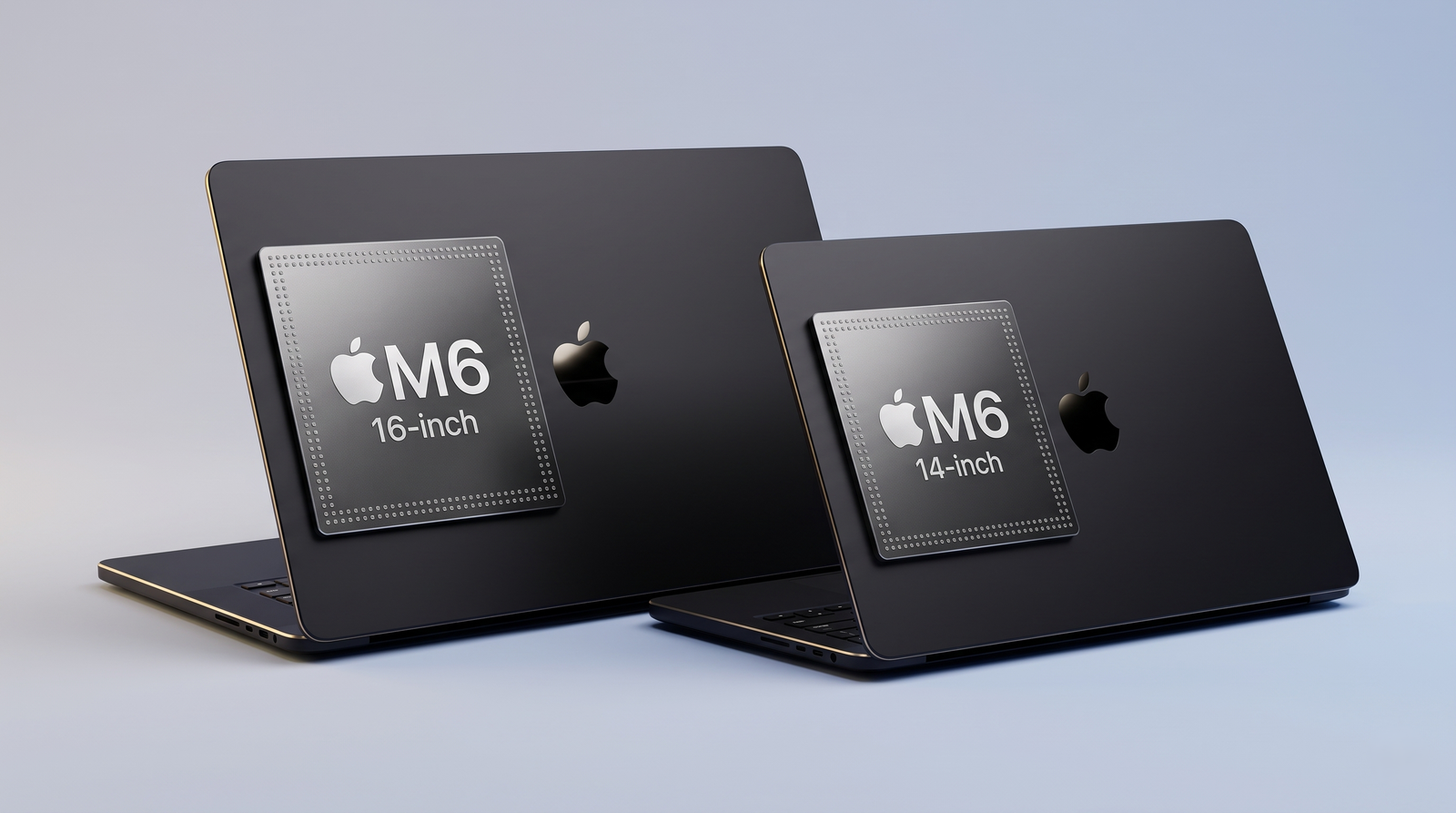
Experience unrivaled performance with the latest Apple MacBook Pro, available in 14-inch and 16-inch models powered by the revolutionary M6, M5 Pro, and M5 Max chips. Built for Apple Intelligence, these powerhouse laptops feature advanced Thunderbolt 5 ports, Wi-Fi 7, and optional Nano-texture displays for minimal glare. Maximize your creative potential with up to 128GB of unified memory in a sleek Space Black or Silver finish.

Display size
14-inch
Screen Type
Standard display (low reflectivity) or Nano-texture display (reduces reflections and glare in bright lighting)
External Display Support
Support for up to three external displays (M5 Pro) / Support for up to four external displays (M5 Max)
M6 Chip
12‑core CPU, 12‑core GPU, Dual 16‑core Neural Engine
See all specifications →
Apple Apple MacBook Pro 16-inch
Apple Apple MacBook Pro 16-inch specifications

Experience unrivaled performance with the latest Apple MacBook Pro, available in 14-inch and 16-inch models powered by the revolutionary M6, M5 Pro, and M5 Max chips. Built for Apple Intelligence, these powerhouse laptops feature advanced Thunderbolt 5 ports, Wi-Fi 7, and optional Nano-texture displays for minimal glare. Maximize your creative potential with up to 128GB of unified memory in a sleek Space Black or Silver finish.

Display size
16-inch
Screen Type
Standard display (low reflectivity) or Nano-texture display (reduces reflections and glare in bright lighting)
External Display Support
Support for up to three external displays (M5 Pro) Support for up to four external displays (M5 Max)
M5 Pro Chip
18‑core CPU, 20‑core GPU, 16‑core Neural Engine
See all specifications →
Apple Apple iPhone Duo
Apple Apple iPhone Duo specifications

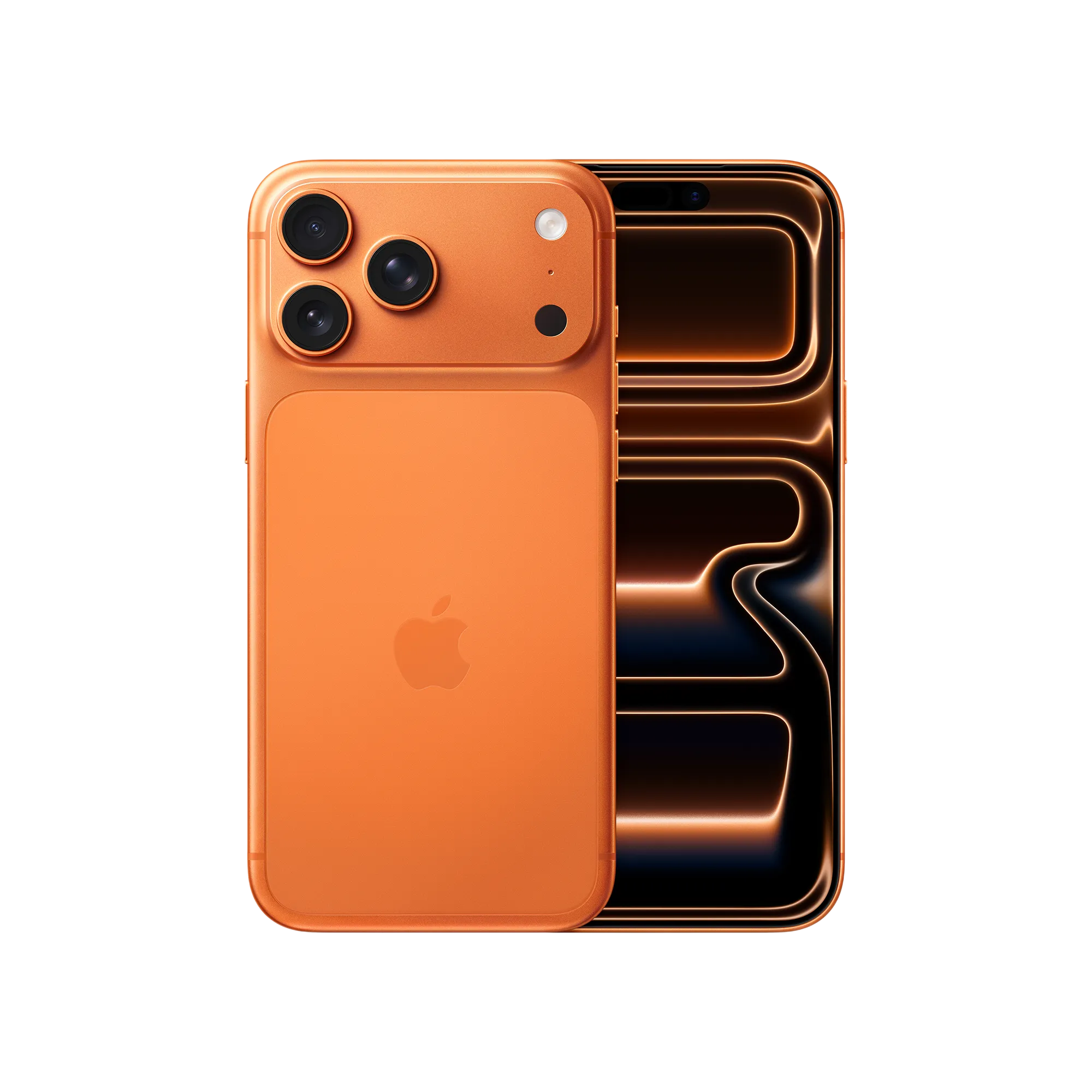
Apple iPhone Duo is a new-generation iPhone model focused on a sleek design, powerful performance, and everyday usability. Explore iPhone Duo specifications, features, display, cameras, battery, and expected price in the USA. Get the latest information about Apple iPhone Duo and its key features. Compare iPhone Duo with other popular Apple iPhone models.

Size (inches)
Open: 4.64 x 6.48 x 0.21 Closed: 4.64 x 3.31 x 0.44
Weight (ounces)
8.96
Display size (inches)
Inner: 7.6-inch (diagonal) all-screen OLED folding display Outer: 5.4-inch (diagonal) all-screen OLED display
Resolution (pixels)
Inner: 1878-by-2670-pixel resolution at 430 ppi Outer: 1398-by-2034-pixel resolution at 460 ppi
See all specifications →
Apple Apple iPhone 18 Pro Max
Apple Apple iPhone 18 Pro Max specifications

Apple iPhone 18 Pro Max is a high-end flagship smartphone designed for powerful performance and advanced photography. Explore iPhone 18 Pro Max specifications, features, display, cameras, battery, and expected price in the USA. Discover the latest upgrades and key features of Apple’s largest Pro iPhone. Compare iPhone 18 Pro Max with other premium flagship smartphones.

Size (inches)
6.43 x 3.07 x 0.34
Weight (ounces)
8.78
Display size (inches)
6.9-inch (diagonal) all-screen OLED display
Resolution (pixels)
2868-by-1320-pixel resolution at 460 ppi
See all specifications →
Apple Apple iPhone 18 Pro
Apple Apple iPhone 18 Pro specifications

Apple iPhone 18 Pro is a premium flagship smartphone with advanced performance and an upgraded camera system. Explore iPhone 18 Pro specifications, features, display, cameras, battery, and expected price in the USA. Get the latest details about Apple’s new Pro model and its key upgrades. Compare iPhone 18 Pro features with other flagship smartphones.

Size (inches)
5.91 x 2.83 x 0.34
Weight (ounces)
7.44
Display size (inches)
6.3-inch (diagonal) all-screen OLED display
Resolution (pixels)
2622-by-1206-pixel resolution at 460 ppi
See all specifications →

Google specifications

Explore Google devices →
Google Google Pixel 12
Google Google Pixel 12 specifications

Upgrade to the Google Pixel 12, an advanced 5G AI smartphone. Experience seamless performance powered by the custom Google Tensor G7 processor. Enjoy a stunning 6.3-inch OLED Actua display and take flawless photos with the powerful 50MP dual-camera system. Built with an adaptive all-day battery and seamless Google Gemini AI integration, it is the perfect unlocked device for everyday brilliance.

Size (inches)
6.02 x 2.83 x 0.34
Weight (ounces)
6.95
Display size (inches)
6.3-inch (diagonal) OLED display
Resolution (pixels)
1080 x 2424 pixels
See all specifications →
Google Google Pixel 12 Pro
Google Google Pixel 12 Pro specifications

Discover the new Google Pixel 12 Pro, the ultimate 5G AI smartphone. Powered by the next-generation Google Tensor G7 chip and built-in Gemini AI, it delivers blazing-fast performance. Capture professional-grade photos with the advanced 50MP Pro Triple Camera system featuring 5x optical zoom. Complete with a stunning 6.3-inch Super Actua display, all-day adaptive battery, and a premium titanium frame. Upgrade to the smartest Android phone today.

Size (inches)
6.02 x 2.83 x 0.33
Weight (ounces)
7.3
Display size (inches)
6.31-inch LTPO OLED display
Resolution (pixels)
2856 x 1280 pixels
See all specifications →
Google Google Pixel 12 Pro XL
Google Google Pixel 12 Pro XL specifications

Go bigger with the Google Pixel 12 Pro XL, the ultimate large-screen 5G AI smartphone. It boasts a massive 6.8-inch OLED display and the lightning-fast Google Tensor G7 chip. Capture master-level photography using the 50MP Pro Triple Camera setup. Equipped with a massive 5500mAh battery for extended endurance and fast 67W charging, this unlocked flagship redefines premium power.

Size (inches)
6.43 x 3.07 x 0.34
Weight (ounces)
8.18
Display size (inches)
6.8-inch LTPO OLED Super Actua display
Resolution (pixels)
2992 x 1344 pixels
See all specifications →
Google Google Pixel 12 Pro Fold
Google Google Pixel 12 Pro Fold specifications

Transform your mobile experience with the Google Pixel 12 Pro Fold. This unlocked 5G AI foldable smartphone unfolds into a gorgeous 8-inch dual-UTG inner OLED display for next-level multitasking and entertainment. Powered by the Google Tensor G7 chip, it features flexible triple-camera photography, advanced Gemini AI, and a highly durable folding hinge design.

Size (inches) - Unfolded
6.24 x 5.64 x 0.16
Size (inches) - Folded
6.24 x 2.87 x 0.35
Weight (ounces)
7.58
Main Display
8.0-inch Foldable LTPO OLED, 120Hz
See all specifications →

Samsung specifications

Explore Samsung devices →
Continue reading

Related stories

View all articles